Overview
This guide walks you through the Gravity Flow account dashboard at gravityflow.io/account. Once logged in, you’ll have access to everything you need to manage your Gravity Flow subscription, including your profile details, payment methods, product downloads, license keys, and site management. The sections below cover each tab and its available options in detail.
Logging into your Gravity Flow account
To log in, go to gravityflow.io/account.
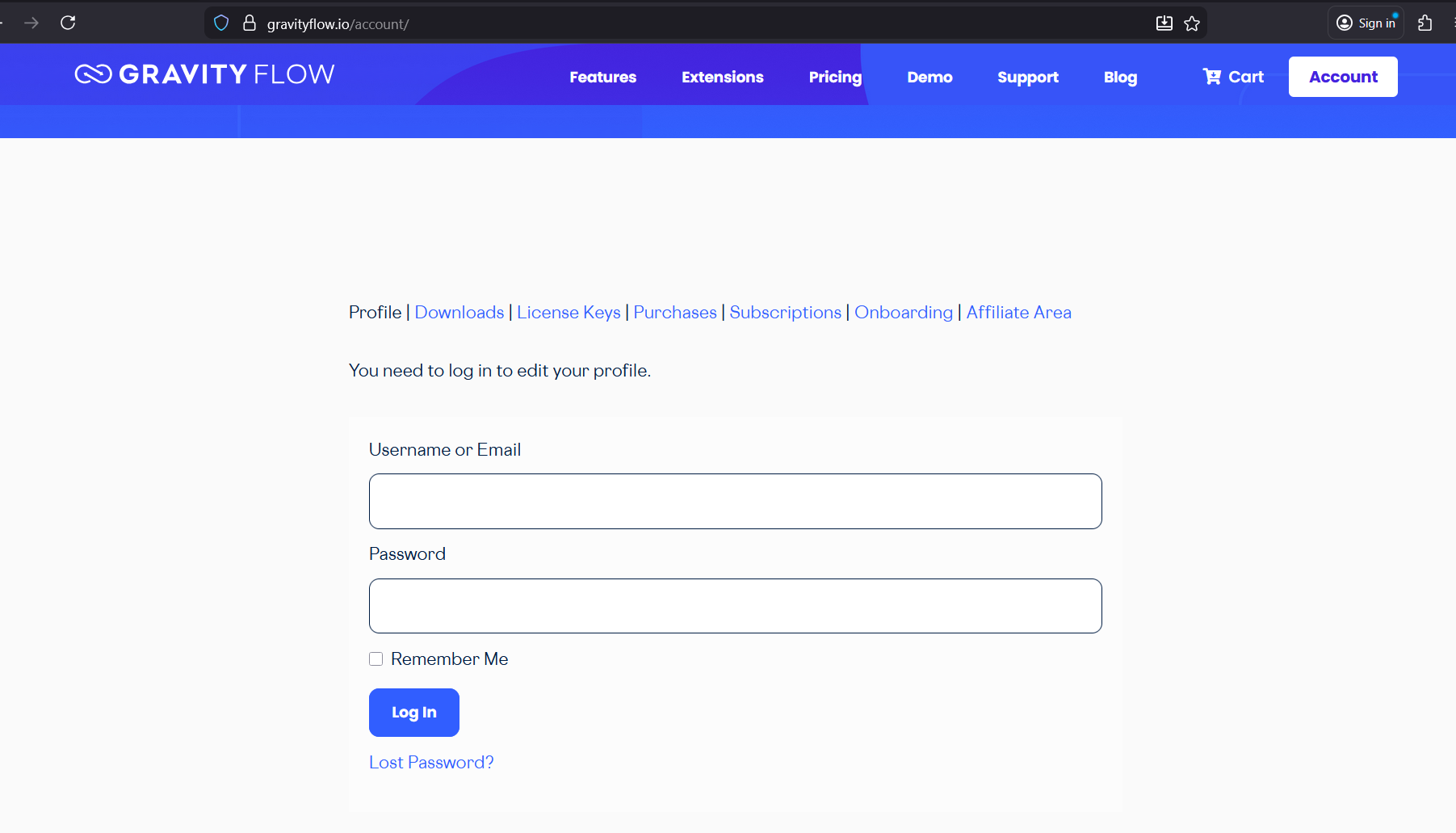
Account tabs

Profile
The Profile tab allows you to update your name, primary email address, and payment methods.
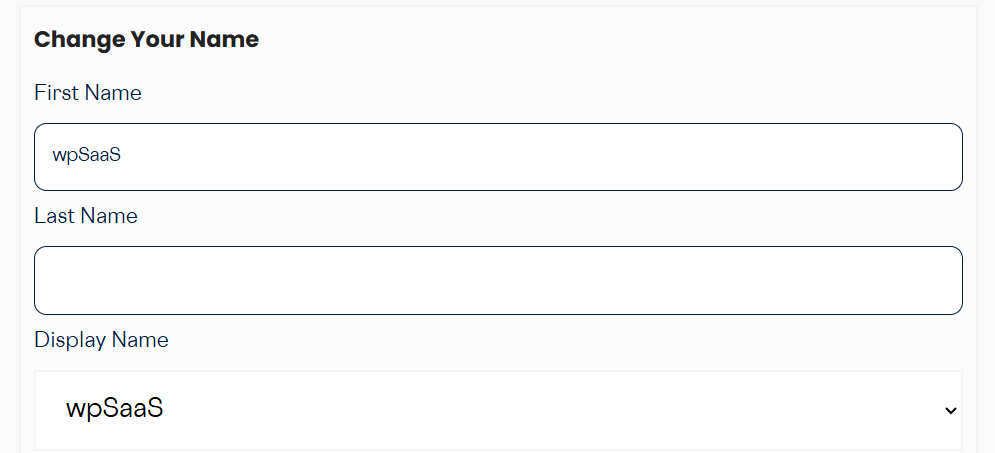
Change Your Name and Display Name. Enter your first and last name, select your preferred display name, scroll down, and click Save Changes.
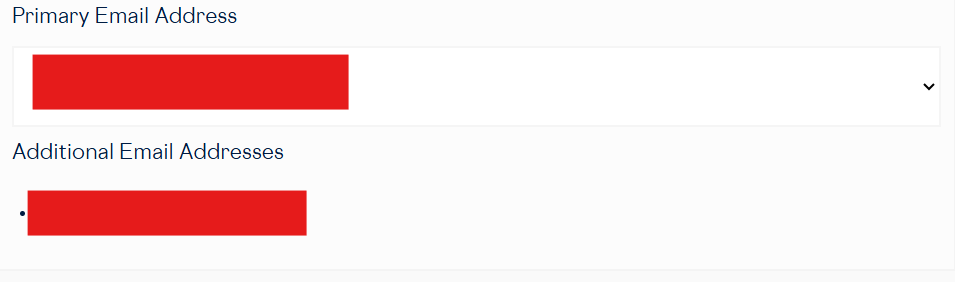
Primary Email Address. From here, you can add an additional email address, change your primary email address, or remove an additional email address.
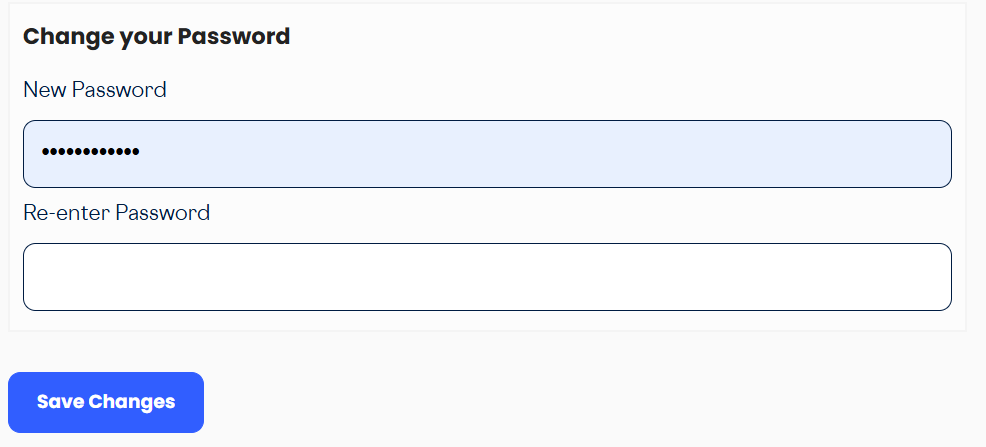
Change Password. Enter your new password, re-enter it to confirm, and click Save Changes.
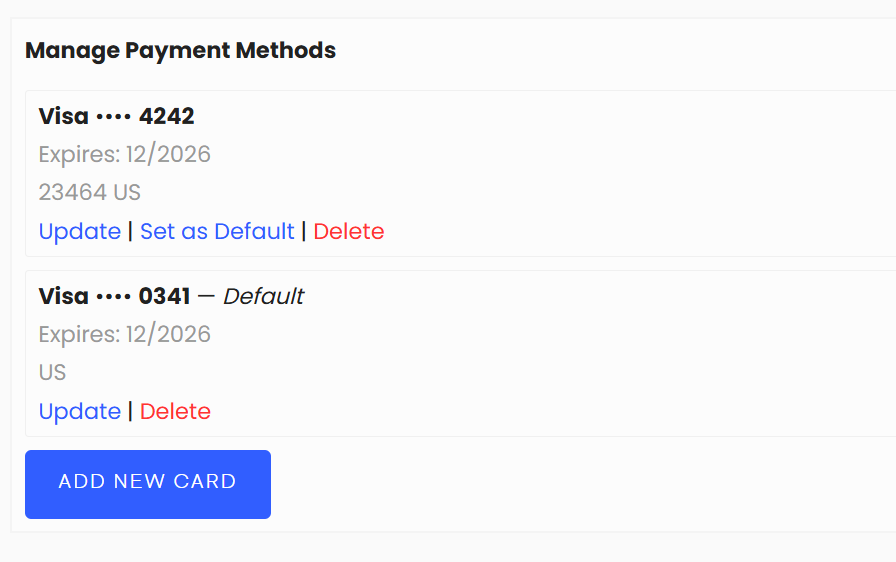
Manage Payment Methods. From this section, you can update an existing card, set a default card, delete an existing card, or add a new card.
Downloads
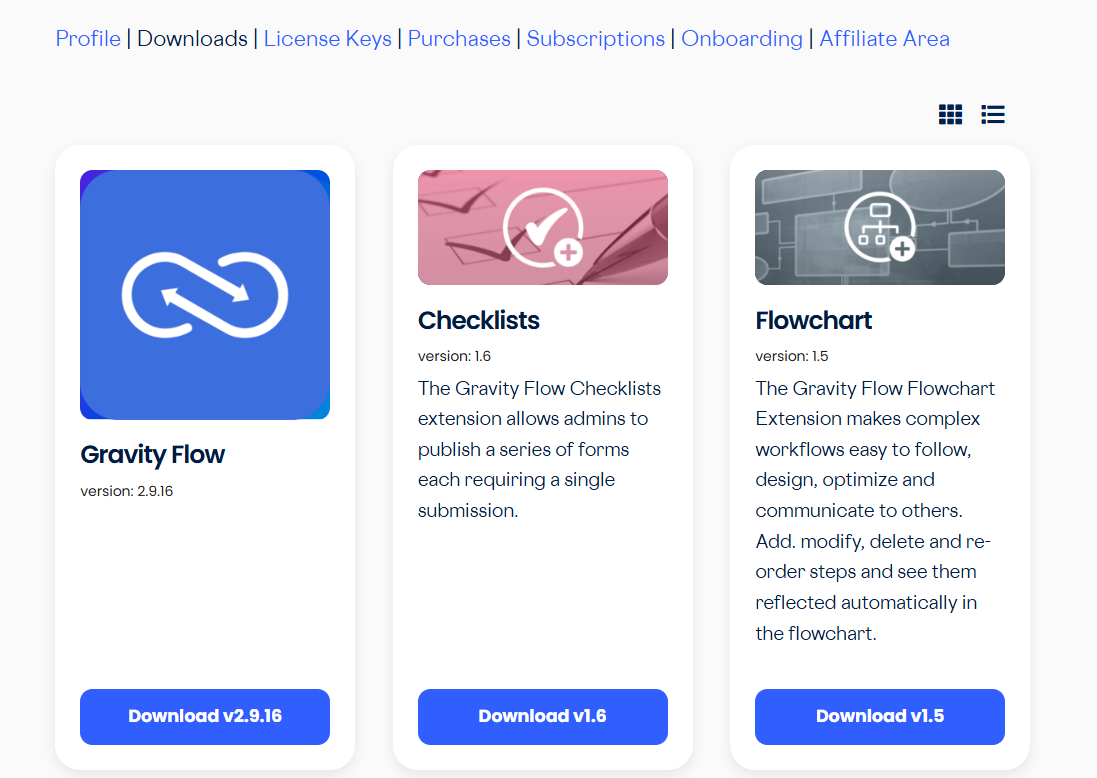
All your Gravity Flow products are available for download here.
License keys
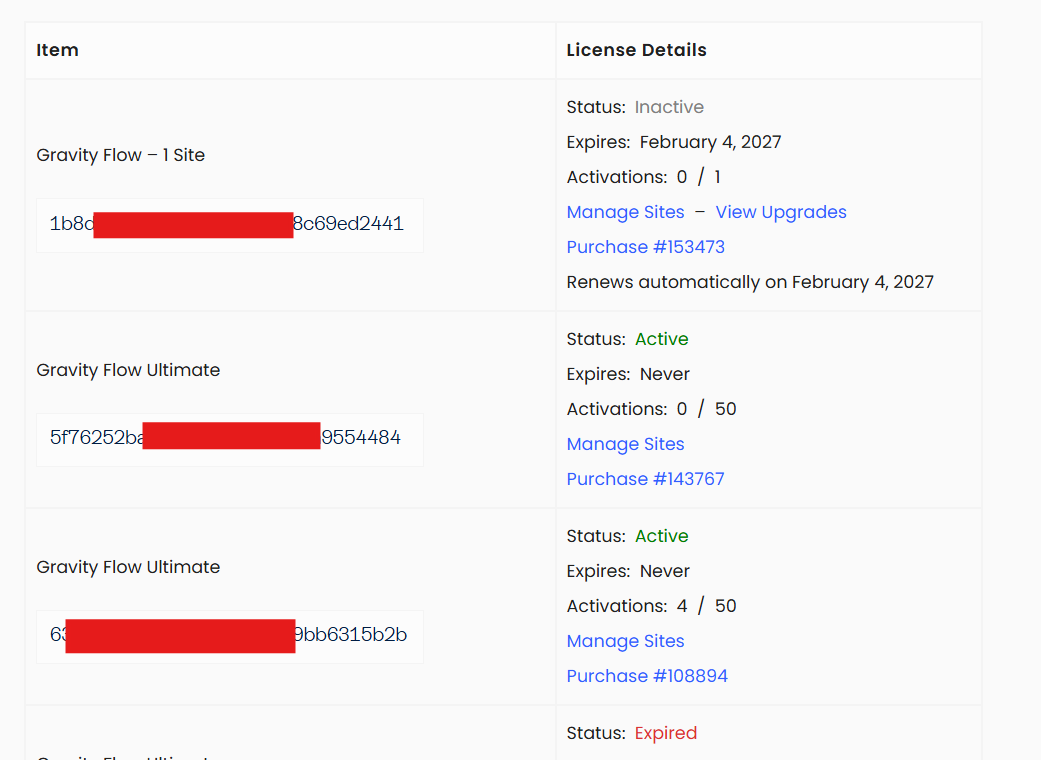
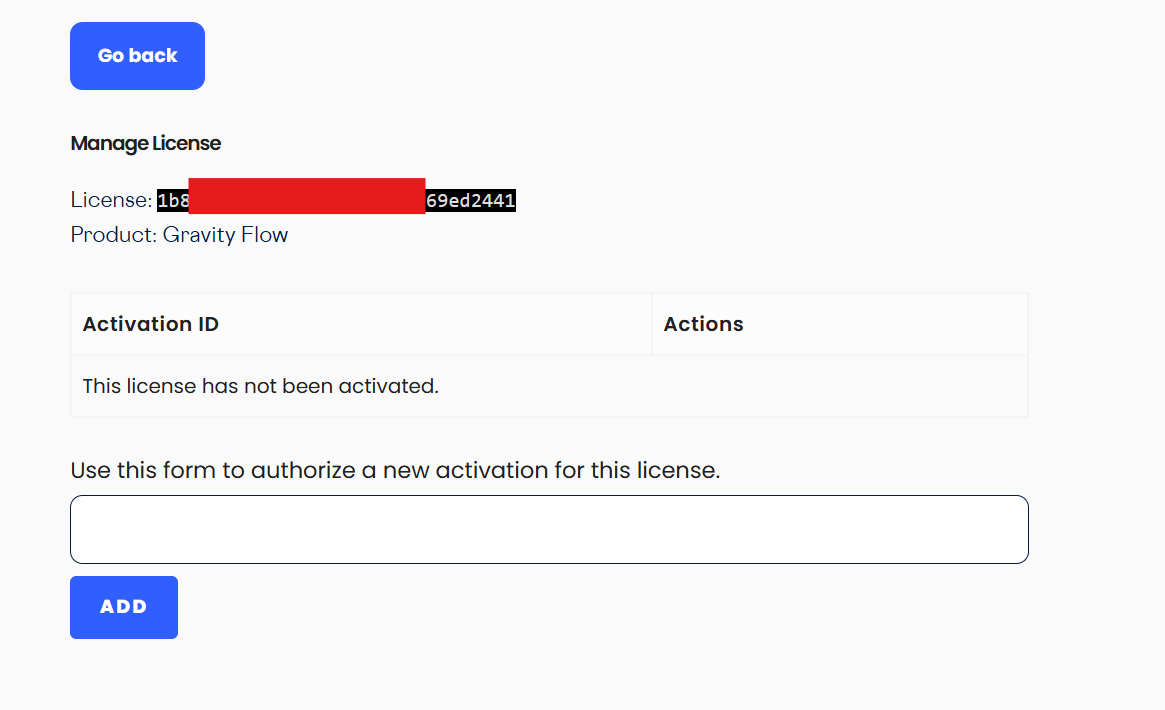
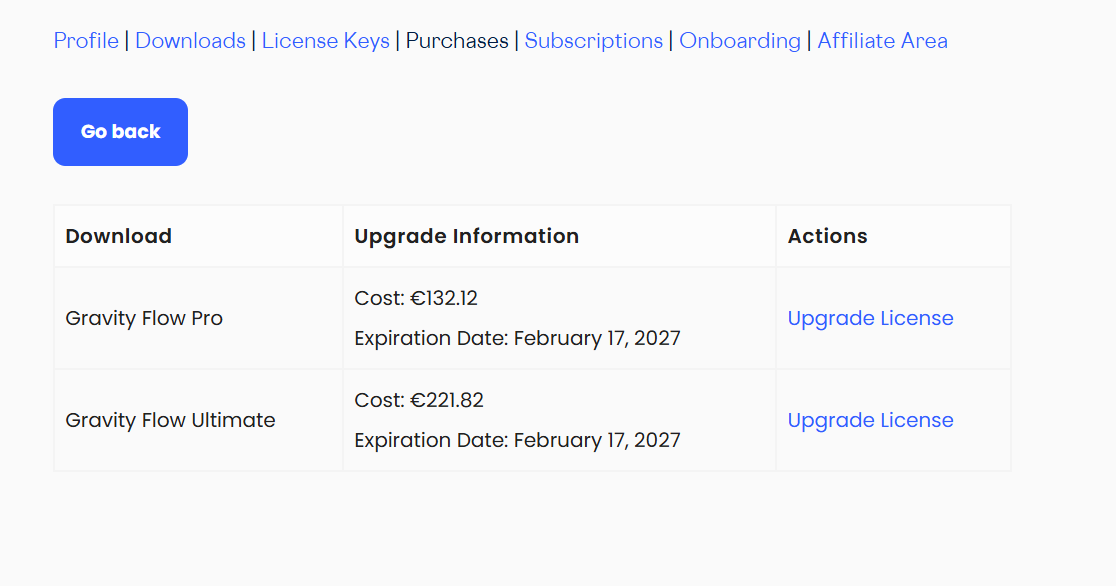
All of your license keys are listed here. From this tab, you can also manage sites associated with a license key or view links to upgrade to a higher license tier.
Manage sites
Add and remove sites for a license key
View upgrades
Links to upgrade to a higher license type
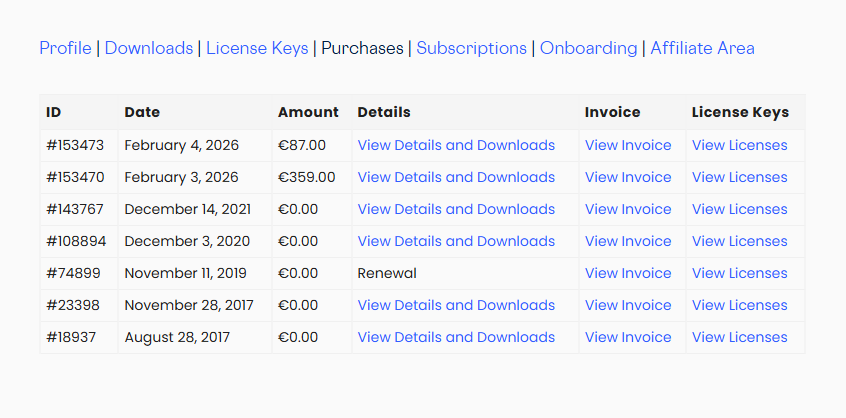
Purchases
View all of your purchases, including order details, downloads, and invoices.
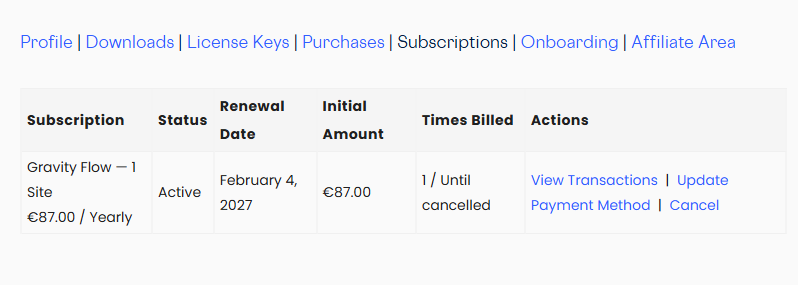
Subscriptions
View and manage all of your Gravity Flow subscriptions. From here you can view transactions, update a payment method, or cancel a subscription.
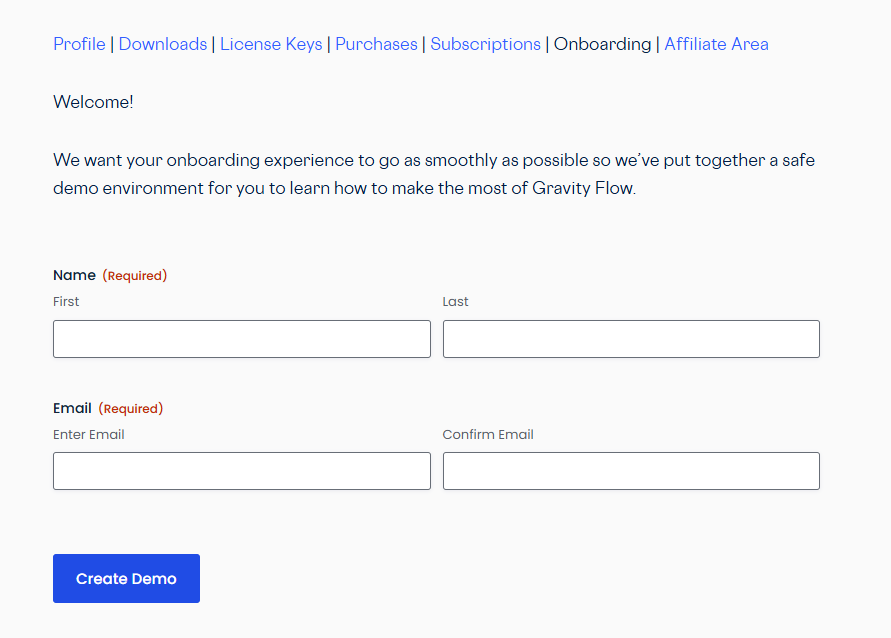
Onboarding
Create a demo site pre-configured with all Gravity Forms and Gravity Flow add-ons, along with sample workflows.
Affiliate area
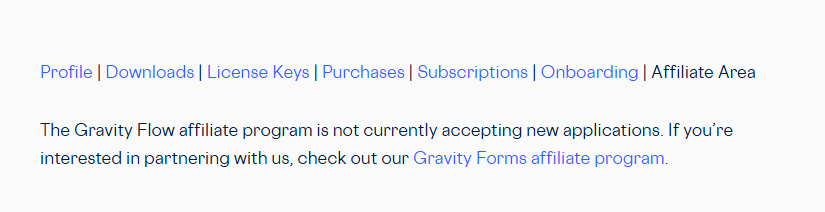
The Gravity Flow affiliate program is not currently accepting new applications. If you’re interested in partnering with us, check out the Gravity Forms affiliate program instead.