Overview
If you connect to SaaS systems or have your own internal REST APIs, the webhook step can connect and map response data back into fields of the form for future steps to work with. This demo covers both outgoing and incoming webhook capabilities, using a Star Wars character search as the example scenario.
What this demo does
A form submission triggers an outgoing webhook step that calls an external REST API and maps the response data back into the entry. Subsequent workflow steps can then act on that enriched data. The incoming webhook demo shows how external systems can create or update Gravity Forms entries via Gravity Flow, with no custom code required for common scenarios.
How it is built
The outgoing webhook is configured as a workflow step on the Star Wars search form. The step calls the Star Wars API (SWAPI), maps the character data from the response into form fields, and passes the enriched entry to the next step in the workflow. For scenarios beyond no-code, filters are available to modify the request arguments, response mapping, and status messages.
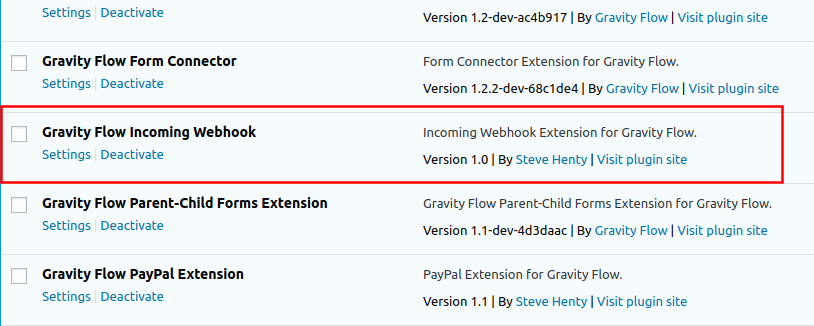
The incoming webhook uses the Incoming Webhook extension. An external system can create a new entry via a feed that fires on an API request, or update an entry mid-workflow using the Incoming Webhook step type.
Try it yourself
Submit the Star Wars search form and search for a character name. Open the Workflow Inbox to see the API response data mapped into the entry fields. Review the outgoing webhook step configuration in the dashboard to see how the request and response mapping is set up.