
Overview
This article explains how to download invoices and update billing or tax details from your Gravity Flow account.
Download invoice
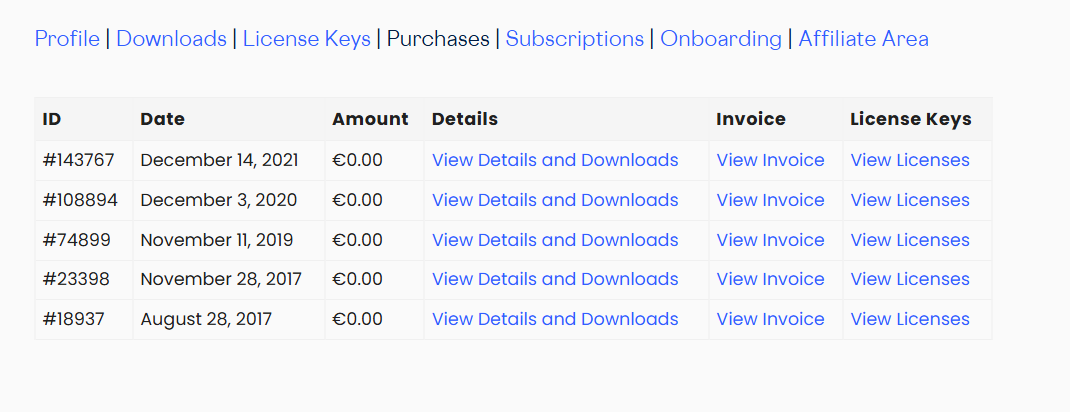
- Log in to your Gravity Flow account at gravityflow.io/account.
- Go to the Purchases tab.
- Click View Invoices next to the relevant order.
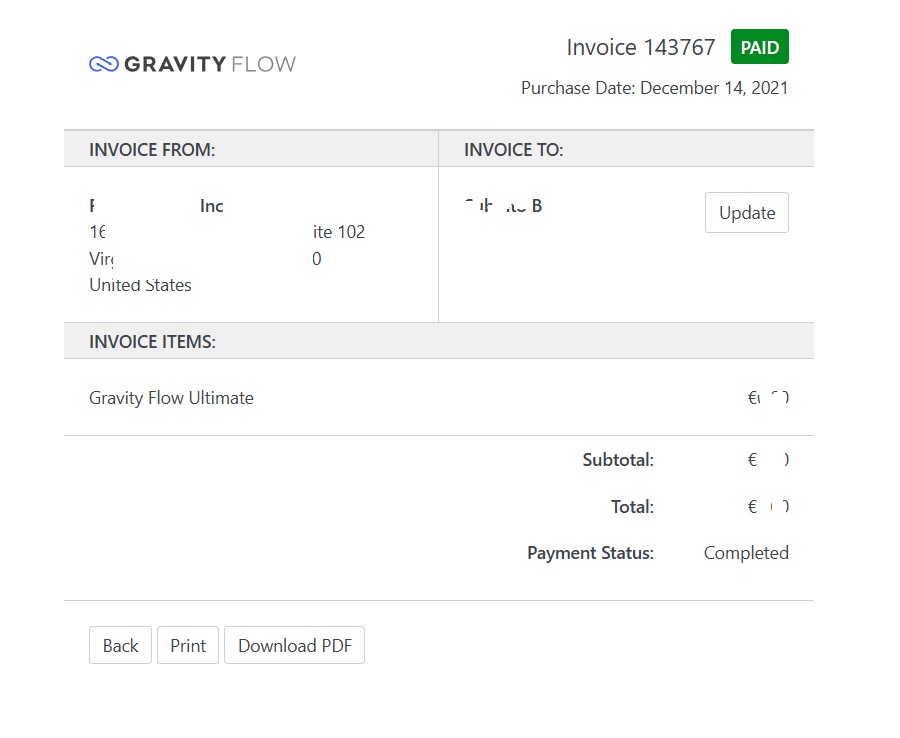
- Click Download PDF to download the invoice.
Update and Regenerate an Invoice
- Open the invoice using the View Invoices link described above.
- Click the Update button on the invoice.
- Update your billing details and Tax/VAT number as needed.
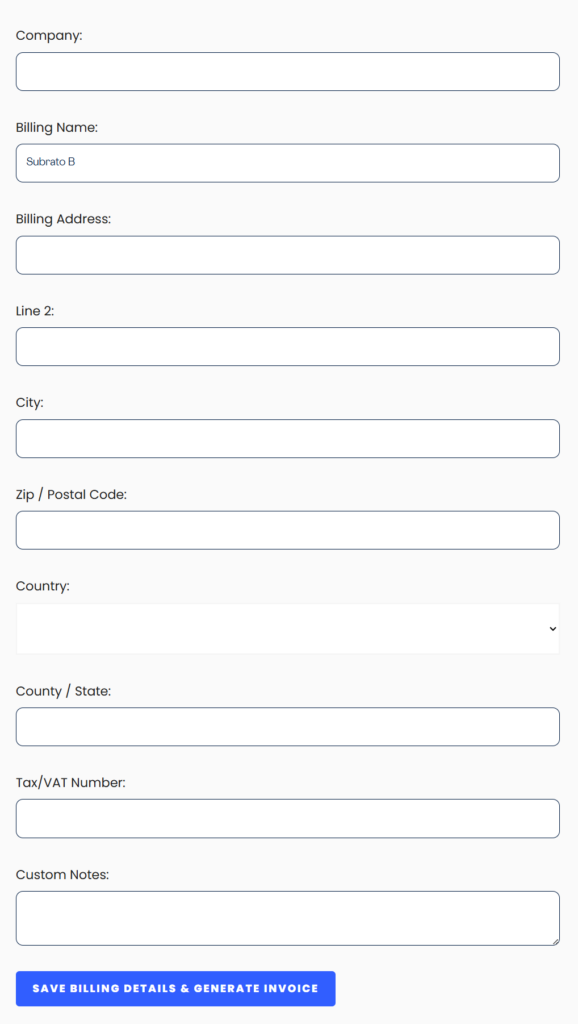
- Click Save Billing Details and Generate Invoice to regenerate the invoice with the updated information.