Overview
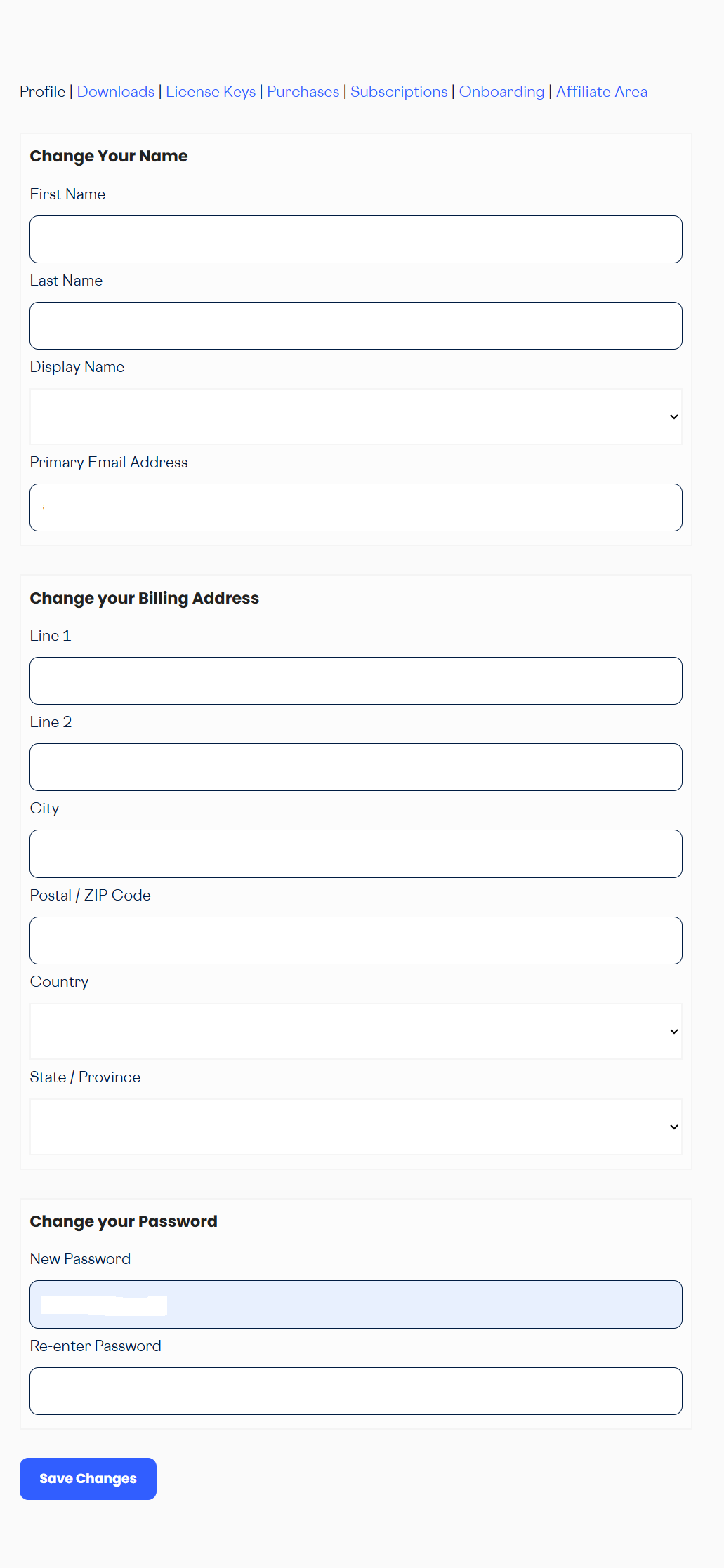
Log in to your Gravity Flow account at gravityflow.io/account and navigate to the Profile tab to manage your personal and billing information.
Name and Display Name
- Enter your first and last name in the relevant fields.
- Select your preferred display name from the Display Name dropdown.
- Scroll down and click Save Changes.
Email Address
- Your primary email address is listed under the Email Address section.
- To add a secondary email address, enter it in the Additional Email field and click Add.
- To change your primary email address, add the new address as an additional email, then set it as primary.
- To remove an additional email address, click Remove next to it.
Password
- Enter your new password in the New Password field.
- Re-enter the password in the Confirm Password field.
- Scroll down and click Save Changes.