Overview
Collect structured information from site visitors and manage responses through a shared team inbox without messages getting lost in email. This demo shows how a basic contact form becomes a trackable communication workflow with automated notifications and a centralized inbox for your Communications team.
What this demo does
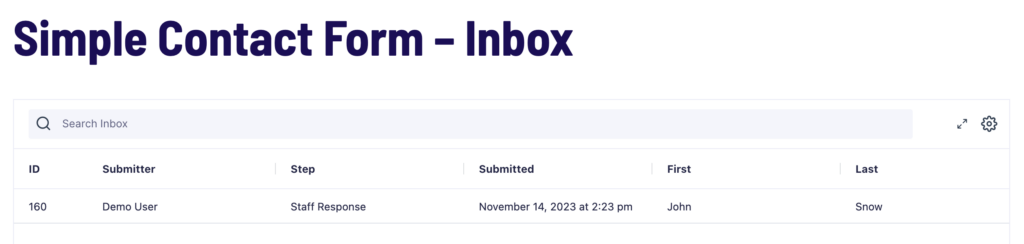
A site visitor submits a contact form. They receive an immediate thank-you notification. A member of the Communications team is assigned the entry in a shared inbox, reviews the request, classifies it, and replies. The submitter receives the staff response by email. All requests and replies are stored on the site, not scattered across individual email accounts.
How it is built
The form collects the information you need from site visitors. Edit the form to see how it is structured.
The workflow has two steps:
- A Notification step sends the submitter an immediate thank-you email on submission.
- A User Input step assigns the entry to the Communications team by role. Staff receive an email notification with a link to the entry in their Workflow Inbox. When a staff member completes the step. Adding a classification and a reply. The submitter receives the staff response by email.
Try it yourself
Explore the Simple Contact Form demo.
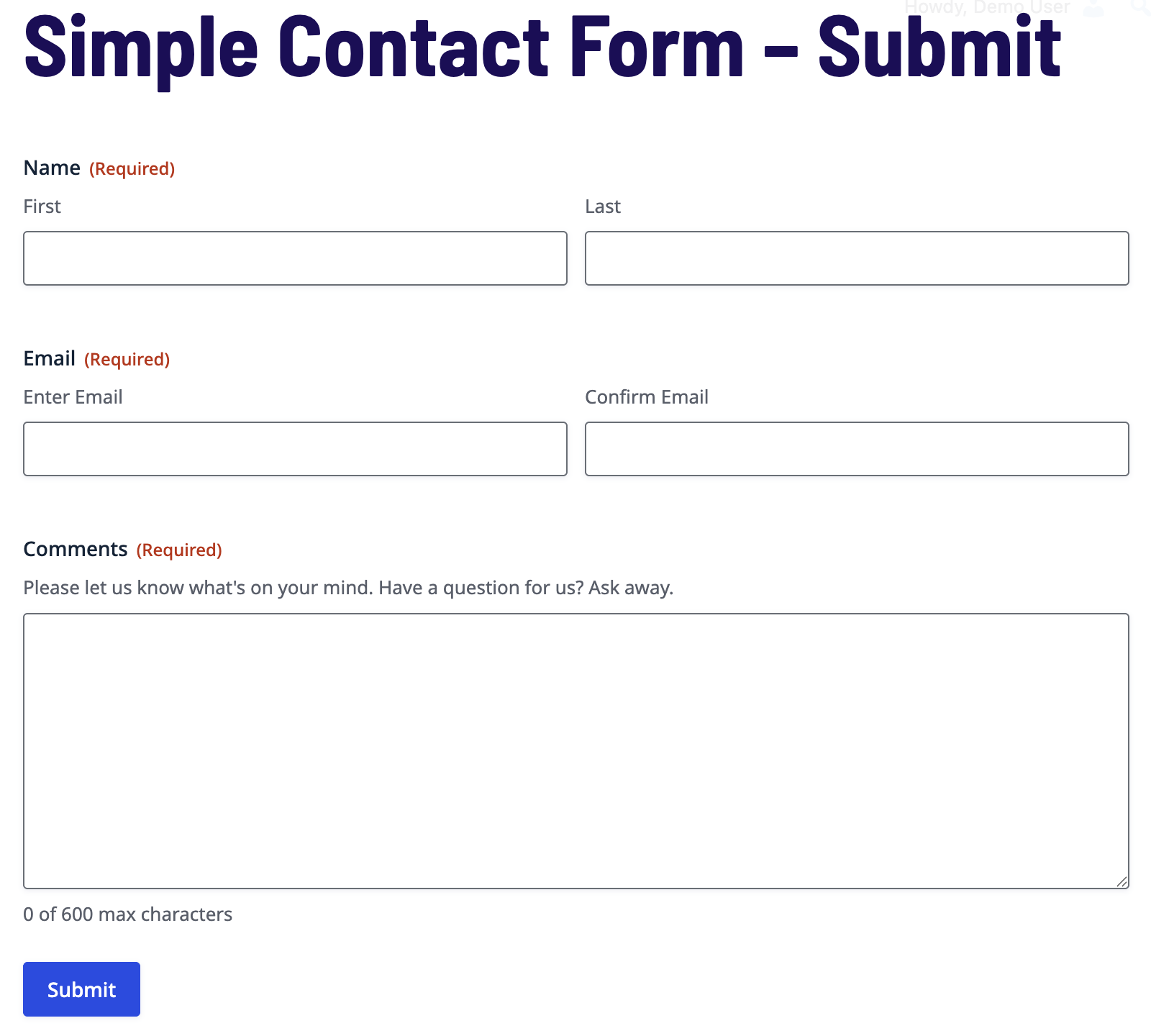
Submit the form as a site visitor, then open the Response Inbox as a staff member to complete the User Input step and send a reply.