
Overview
Provide information, drive purchases, deliver email courses, and much more. This demo shows how to define if, and when, notifications are delivered to your potential customers mailboxes using Gravity Flow’s scheduling and notification capabilities.
What this demo does
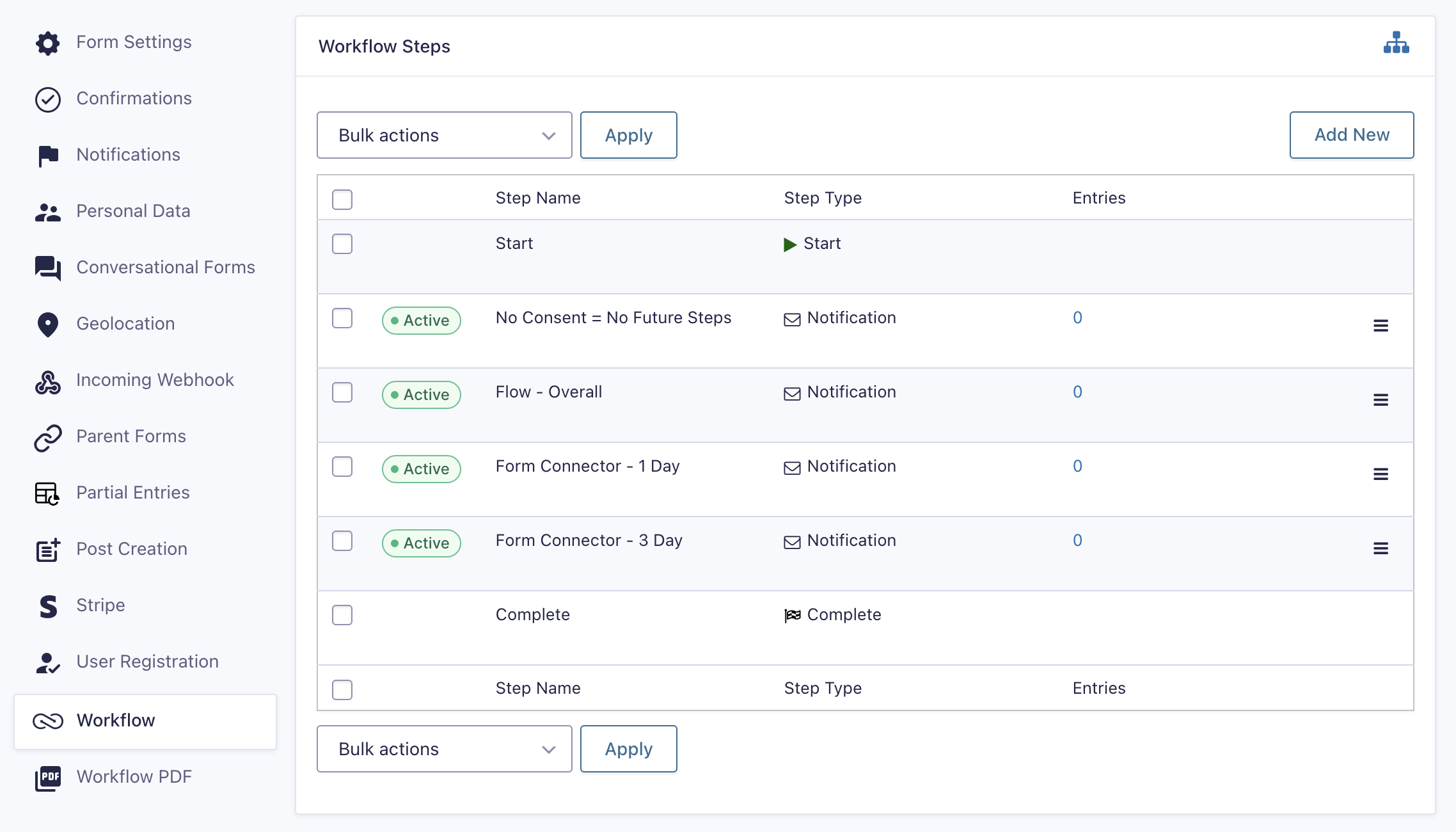
A potential customer submits a form indicating their interests and contact details. A series of scheduled notification steps delivers targeted emails over time. Conditional logic on each step determines whether a notification should be sent based on the entry data. The demo includes monitoring of individual email deliveries and overall campaign progress.
How it is built
The form captures the submitter’s contact details and interests.
The workflow is built from a series of Notification steps, each with a Schedule setting that delays delivery by a configured amount of time relative to the step start, a specific date, or a date field in the entry. Conditional logic on each step controls whether that notification is sent. The Next Step sets chains them together. One-click approval links or approval steps can optionally create response-driven branching, adapting the campaign based on recipient feedback.
Note: Scheduled steps rely on WP-Cron. See the Gravity Forms scheduled events troubleshooting guide if steps do not advance as expected. When building your own campaign, start with zero delays to validate all links and messages before adding realistic schedule values.
Try it yourself
Explore the Drip Campaigns demo
Submit the drip campaign form, then review the workflow step configuration in the dashboard to see how the Notification steps and delay schedules are set up. Check the Gravity SMTP email log to see the notifications that would have been sent.