Overview
Submit an essay, authorize payment, track its status, and receive a graded PDF report. This demo shows how to manage a multi-step academic evaluation process that includes staff approval, expert assignment, an optional second-pass review, and automated PDF delivery.
What this demo does
A student submits an essay and authorizes an evaluation fee. University staff review the submission and approve, revert for changes, or reject. Payment is captured on approval. An expert claims the assignment from a pool, grades and comments on the essay, and an administrator decides whether a second-pass evaluation is needed. The workflow concludes by generating and delivering a graded PDF report to the student.
How it is built
The form collects the essay submission and authorizes a Stripe payment. Payment is captured later in the workflow once the submission is approved.
The workflow has nine steps:
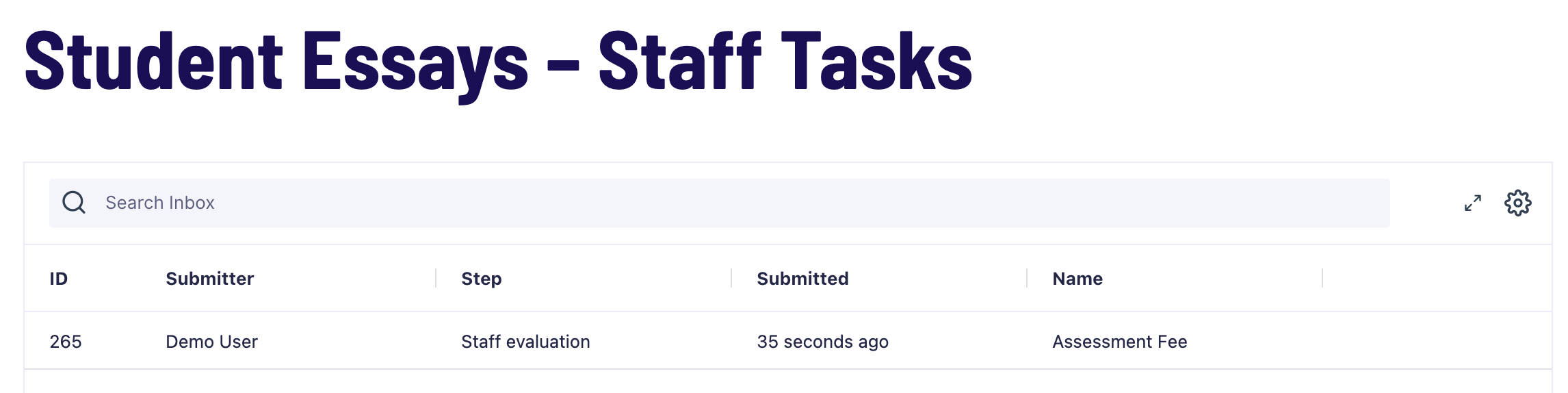
- An Approval step assigns the entry to a university staff member for review and approval, or for reverting or rejecting.
- A conditional User Input step is only triggered on revert. The student receives a notification to make changes and resubmit.
- A Capture Payment step runs automatically on approval, capturing the authorized fee.
- A User Input step broadcasts the assignment to a pool of experts. One expert claims it by agreeing to the evaluation terms.
- A User Input step assigns grading to the expert who claimed the entry in the previous step. A custom snippet using
gravityflow_step_completestores the claiming expert’s user ID in a User workflow field, which is used as the assignee here. - A User Input step lets an administrator review the evaluation and decide whether a second pass is needed. If so, they select a second evaluator via a User workflow field.
- A conditional User Input step collects a second grade and a comment from the selected second-pass evaluator.
- Two conditional PDF Generation steps run depending on whether a first- or second-pass evaluation was completed. The appropriate PDF is generated and delivered to the student.
Note: Without a connected Stripe test account, the payment steps are bypassed in the demo. See the Stripe Add-On setup guide to configure your own test connection.
Try it yourself
Explore the Student Essays demo
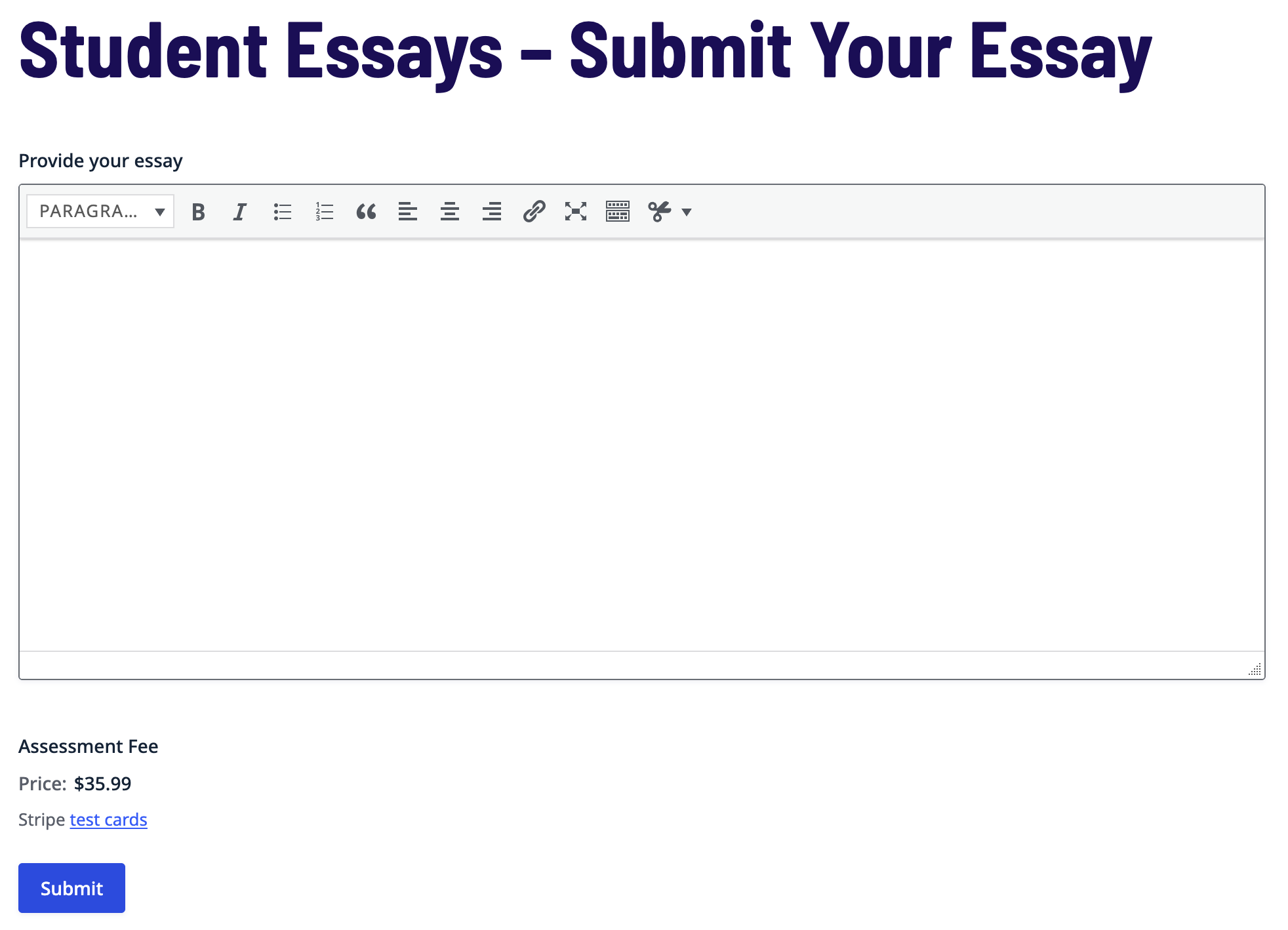
Submit an essay as a student, approve it as staff, claim and grade it as an expert, then check the Gravity SMTP email log to see the PDF report that would have been delivered.