
Overview
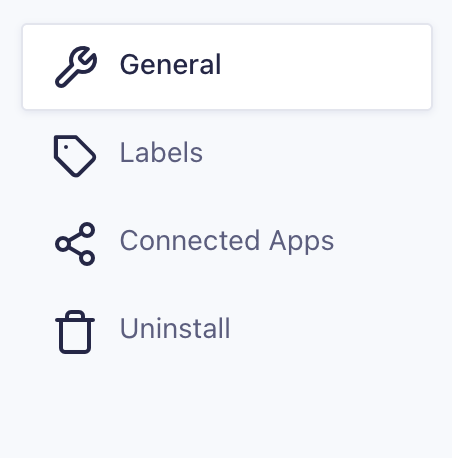
Access the General Settings by navigating to Workflow → Settings → General in the WordPress dashboard.
General Settings Reference
| Setting | Description |
|---|---|
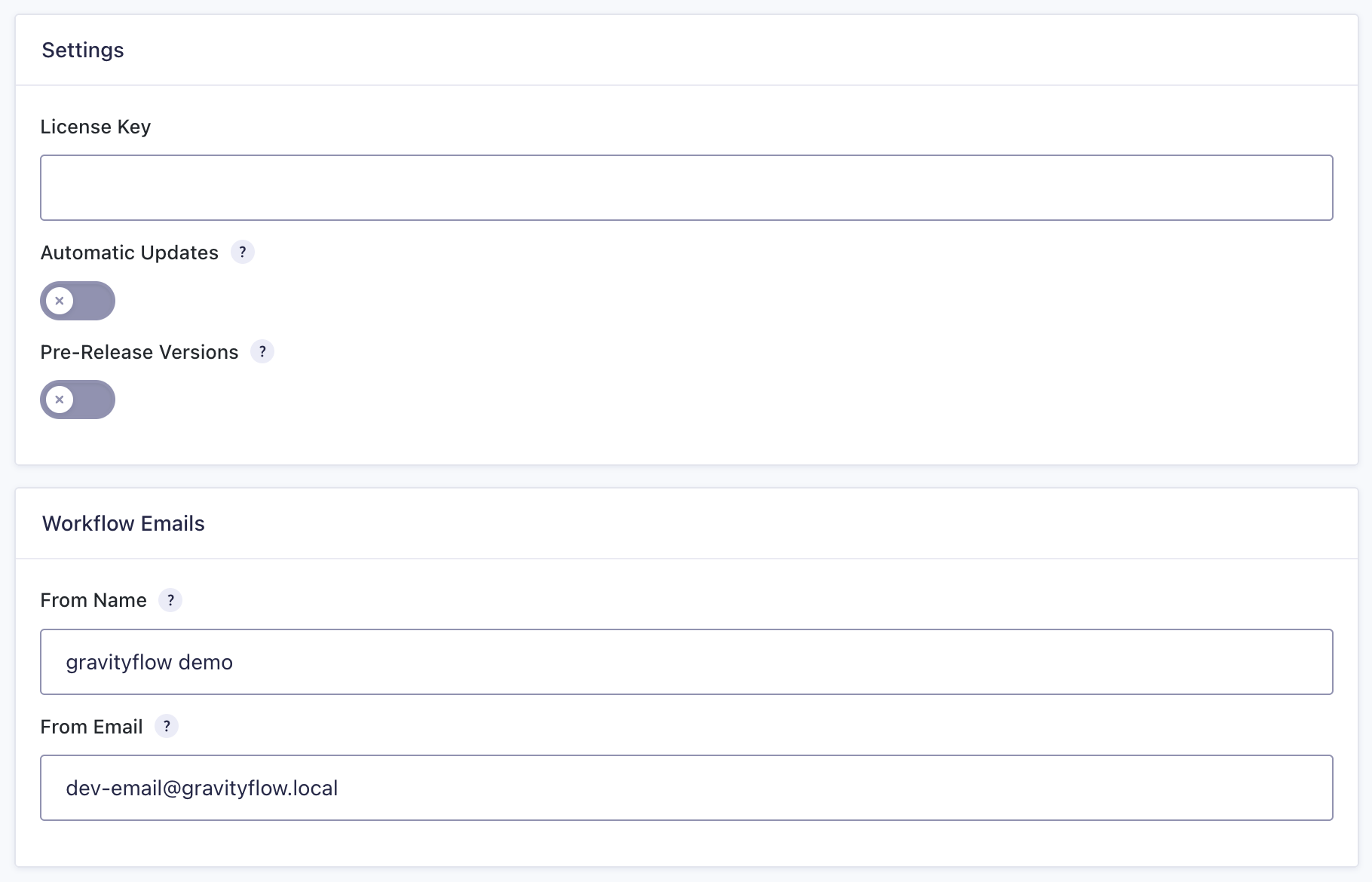
| License Key | Enter your Gravity Flow license key to enable plugin updates and support. |
| Automatic Updates | Enable or disable automatic plugin updates. |
| Pre-Release Versions | Get updates to pre-release versions of Gravity Flow for testing and development. |
| From Name | The name that appears in the “From” field of workflow notification emails. |
| From Email | The email address used as the sender for workflow notifications. |
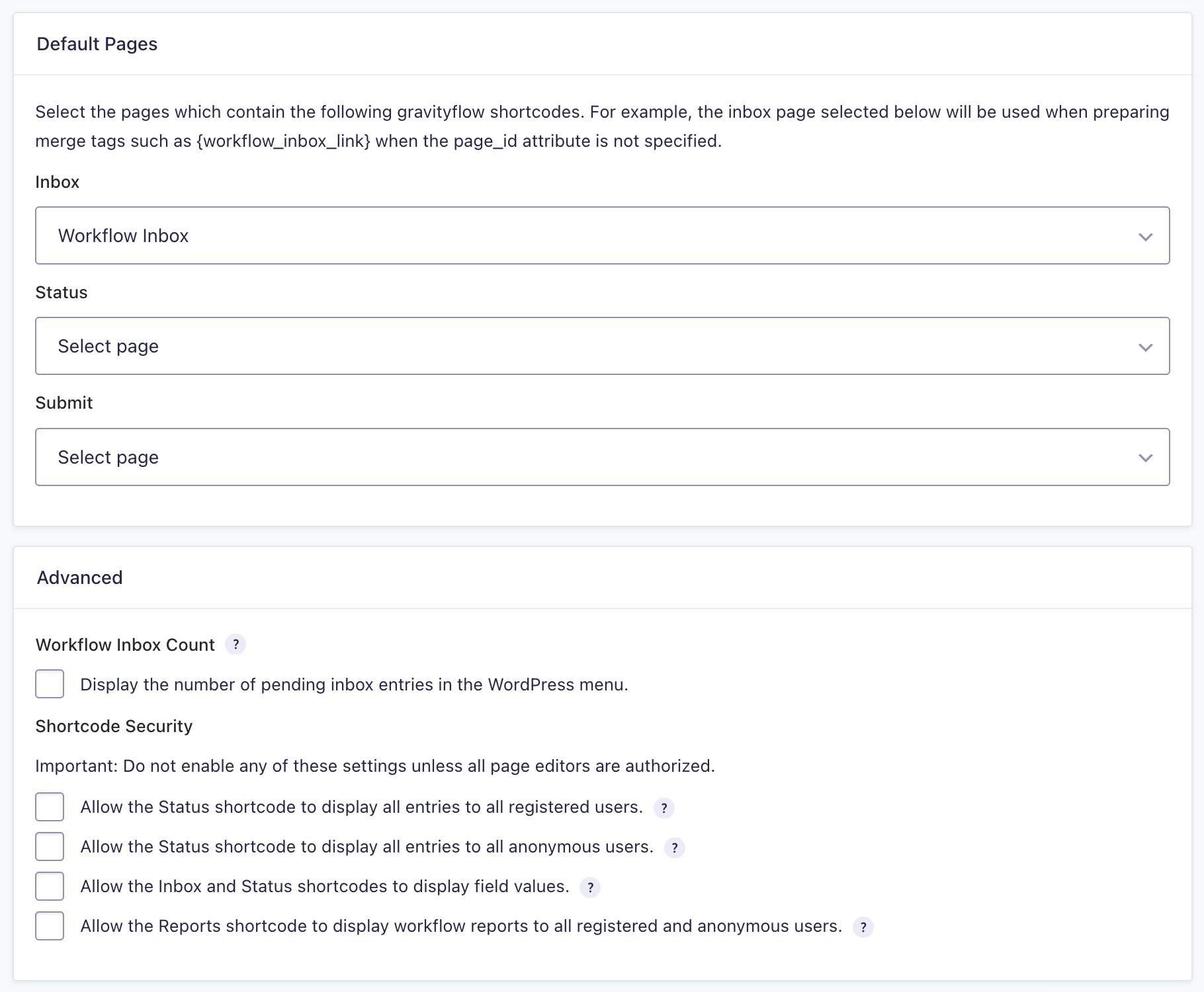
| Default Pages | Assign the pages that contain the required Gravity Flow shortcodes. These pages are used when preparing merge tags such as {workflow_inbox_link} if no page ID is specified. |
| Workflow Inbox | Select the page that contains the [gravityflow page=”inbox”] shortcode. |
| Status | Select the page that contains the [gravityflow page=”status”] shortcode. |
| Submit | Select the page that contains the [gravityflow page=”submit”] shortcode. |
| Shortcode Security | Controls visibility for shortcode content. Important: Only enable these options if all page editors are authorized. – Allow Status for All Registered Users: Allows the Status shortcode to display all entries to all logged-in users. – Allow Status for Anonymous Users: Allows the Status shortcode to display all entries to visitors who are not logged in. – Allow Field Values: Allows the Inbox and Status shortcodes to display entry field values. – Allow Public Reports: Allows the Reports shortcode to display workflow reports to all users (registered and anonymous). |
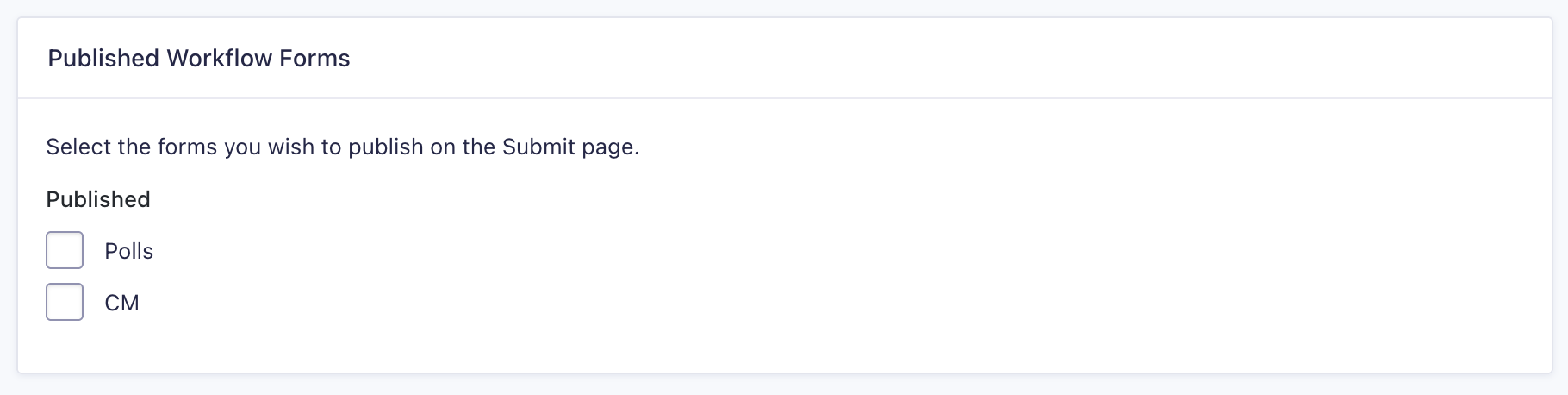
| Published Workflow Forms | Select which workflow forms to publish on the Submit page. |