
Overview
The Gravity Forms CleverReach Add-On allows you to integrate your forms with your CleverReach account to automatically add subscribers, update contact records, and trigger email marketing workflows.
With CleverReach, creating beautiful and professional emails has never been easier. Choose from a wide range of customizable templates, send targeted campaigns to specific audience segments, and monitor detailed analytics to understand what’s working—and what isn’t.
Gravity Flow Integration
When a workflow includes a CleverReach step, Gravity Flow ensures that the standard post-submission CleverReach feed does not execute automatically. This gives you complete control over when a subscriber is added or updated within your email marketing lists.
Place the CleverReach step where it makes the most sense—after approvals, user input, or internal reviews—to ensure contacts only enter your email funnels at the right time.
Creating a CleverReach Workflow Step
To add a CleverReach step to a workflow:
- From the Form Editor screen, navigate to Settings → Workflow.
- Click Add New Step and enter a Name for the step.
- Choose CleverReach as the Step Type.
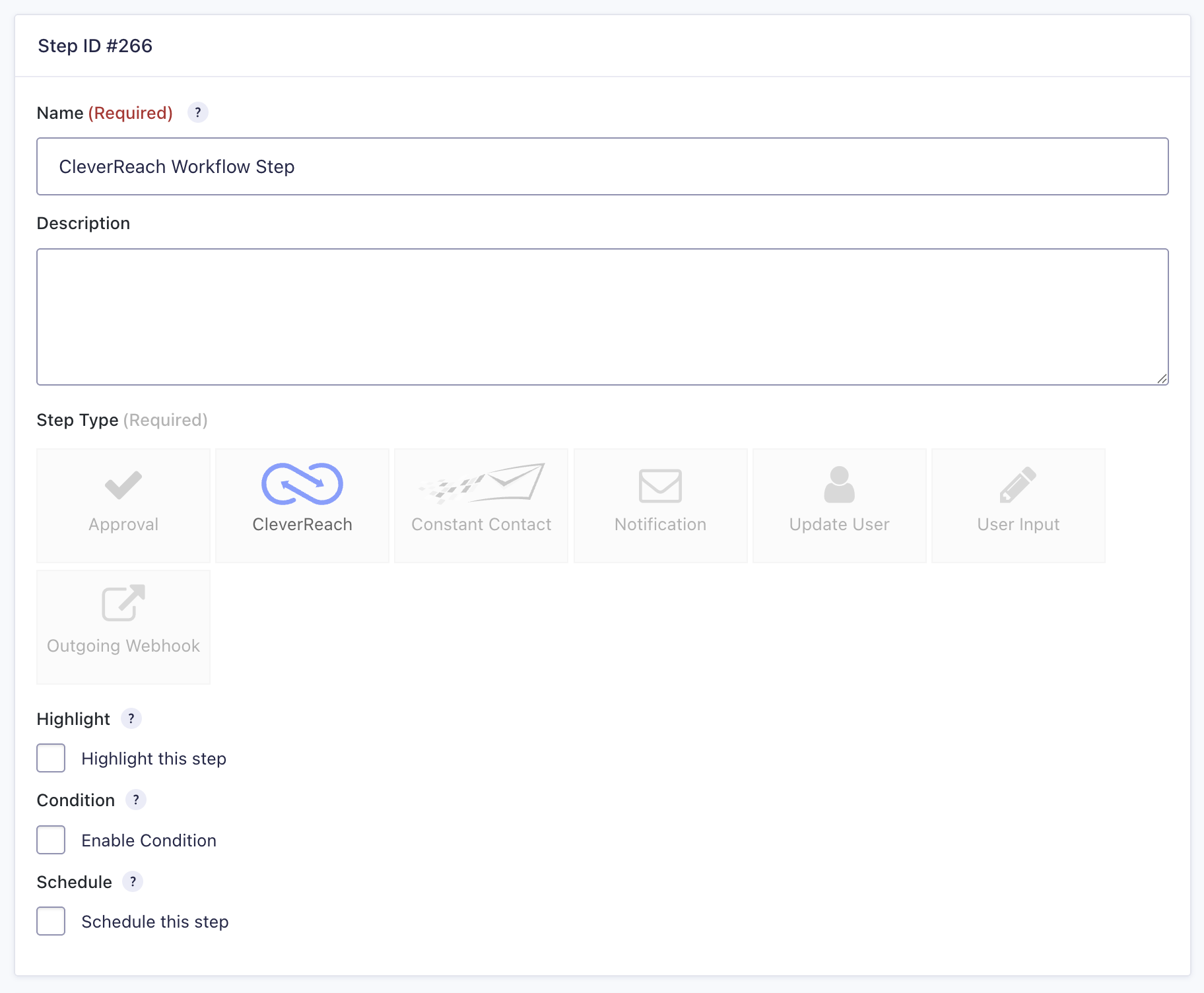
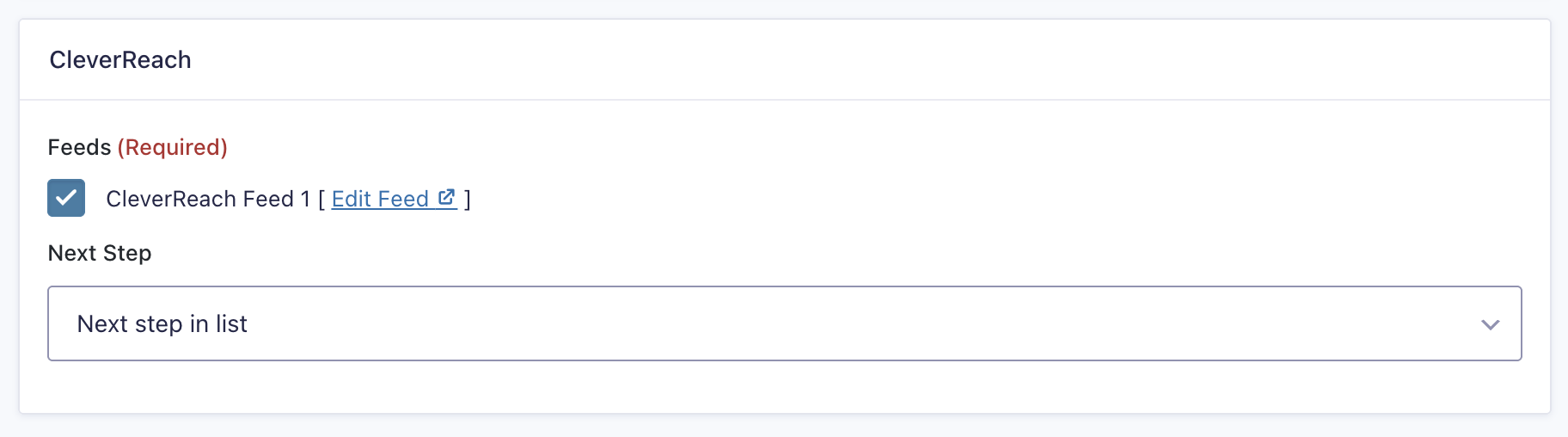
- Select a CleverReach Feed created using the CleverReach Add-On.
- Click Update Step Settings to save the step.
CleverReach Step Settings Reference
| Setting | Description |
|---|---|
| Name | Defines the workflow step name used to identify it within the workflow. Required |
| Description | Provides a short description of what the step does. |
| Step Type | Defines this step as a CleverReach step. Required |
| Highlight | Highlights this step visually within the workflow. |
| Condition | Enables a condition to determine whether the step will run. |
| Schedule | Delays execution of the step based on a configured schedule. |
| CleverReach Feeds | Selects which CleverReach feed to execute for this step. Required |
| Next Step | Defines the next step in the workflow sequence. |