
Overview
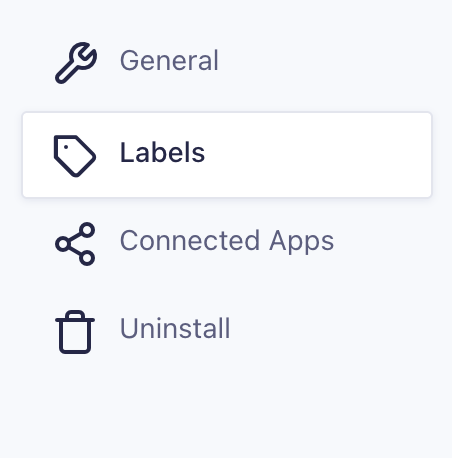
Access the General Settings by navigating to Workflow → Settings → Labels in the WordPress dashboard.
Labels Settings Reference
| Setting | Description |
|---|---|
| Navigation Labels | Customize the text used for Workflow navigation menu items displayed on the front end. |
| Workflow | Label for the main Workflow menu item. |
| Inbox | Label for the Inbox page link. |
| Submit | Label for the Submit page link. |
| Status | Label for the Status page link. |
| Support | Label for the Support page link. |
| Reports | Label for the Reports page link. |
| Activity | Label for the Activity page link. |
| Status Labels | Customize the text displayed for each workflow status throughout the interface. |
| Pending | Label used for entries awaiting action. |
| Cancelled | Label used for entries that have been canceled. |
| Rejected | Label used for entries that have been rejected. |
| Approved | Label used for entries that have been approved. |
| Complete | Label used for entries that have completed all workflow steps. |
| Captured | Label used for entries with payments successfully captured. |
| Failed | Label used for entries where payment or processing failed. |
| Error – Client | Label used for client-side errors during workflow execution. |
| Error – Server | Label used for server-side errors during workflow execution. |
| Error – Other | Label used for any other type of workflow or processing error. |