Overview
Access the uninstall options by navigating to Workflow → Settings → Uninstall in the WordPress dashboard.
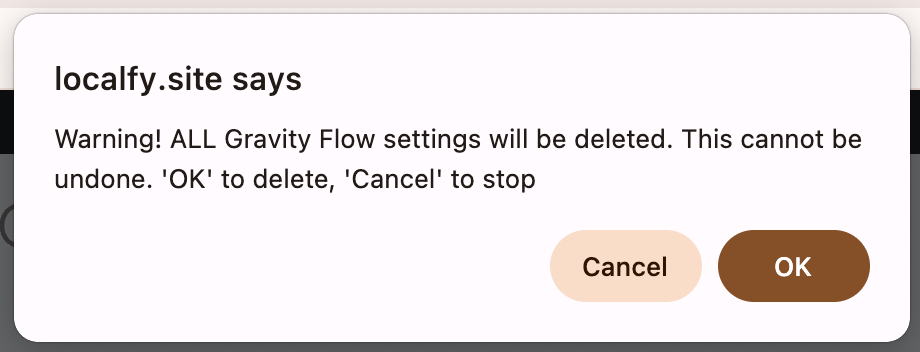
These settings enable you to permanently remove Gravity Flow and any installed extensions. Use with caution, data deleted through these options cannot be recovered.
Uninstall Settings Reference
| Setting | Description |
|---|---|
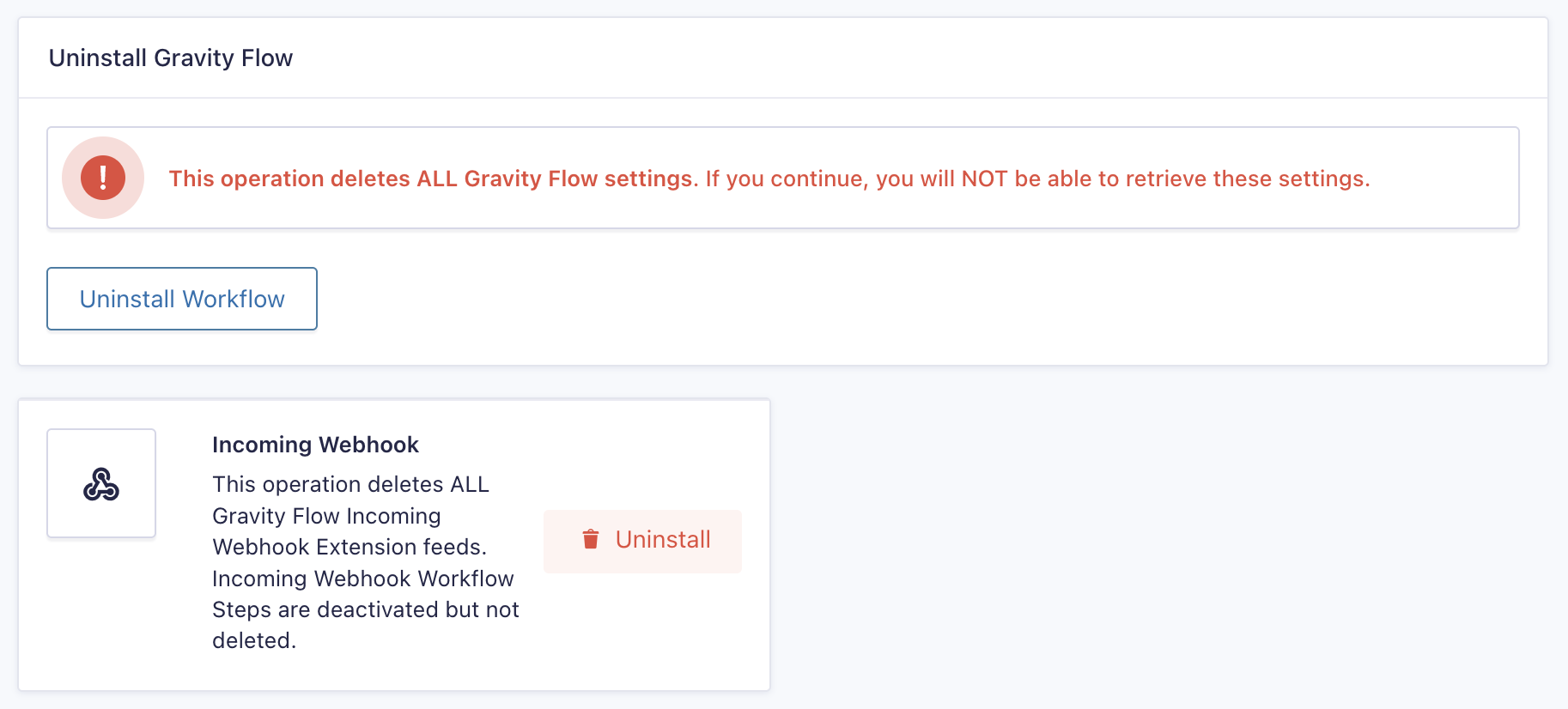
| Uninstall Gravity Flow | Permanently deletes all Gravity Flow settings and configuration data. This operation cannot be undone. |
| [Extension Name] | Deletes all settings and data associated with the specified Gravity Flow extension (for example, Incoming Webhook). Any related workflow steps are deactivated but not deleted. |