
Overview
The Gravity Forms Slack Add-On allows you to connect your forms with your Slack workspace to automatically send notifications when a form is submitted.
Transform the way your team stays informed with Slack! By integrating Slack with Gravity Forms, you can instantly notify channels, groups, or individual users whenever a new entry is received. Keep your team aligned, reduce manual communication, and streamline your workflows.
Gravity Flow Integration
When a workflow includes a Slack step, Gravity Flow ensures that the standard post-submission Slack feed does not execute independently. This gives you full control over when Slack notifications are sent during the workflow.
A Slack step allows workflows to send messages at key points, such as after an approval, when user input is completed, or when a condition is met.
Creating a Slack Workflow Step
To add a Slack step to a workflow:
- From the Form Editor screen, navigate to Settings → Workflow.
- Select Add New Step and set a Name for the step.
- Choose Slack as the Step Type.
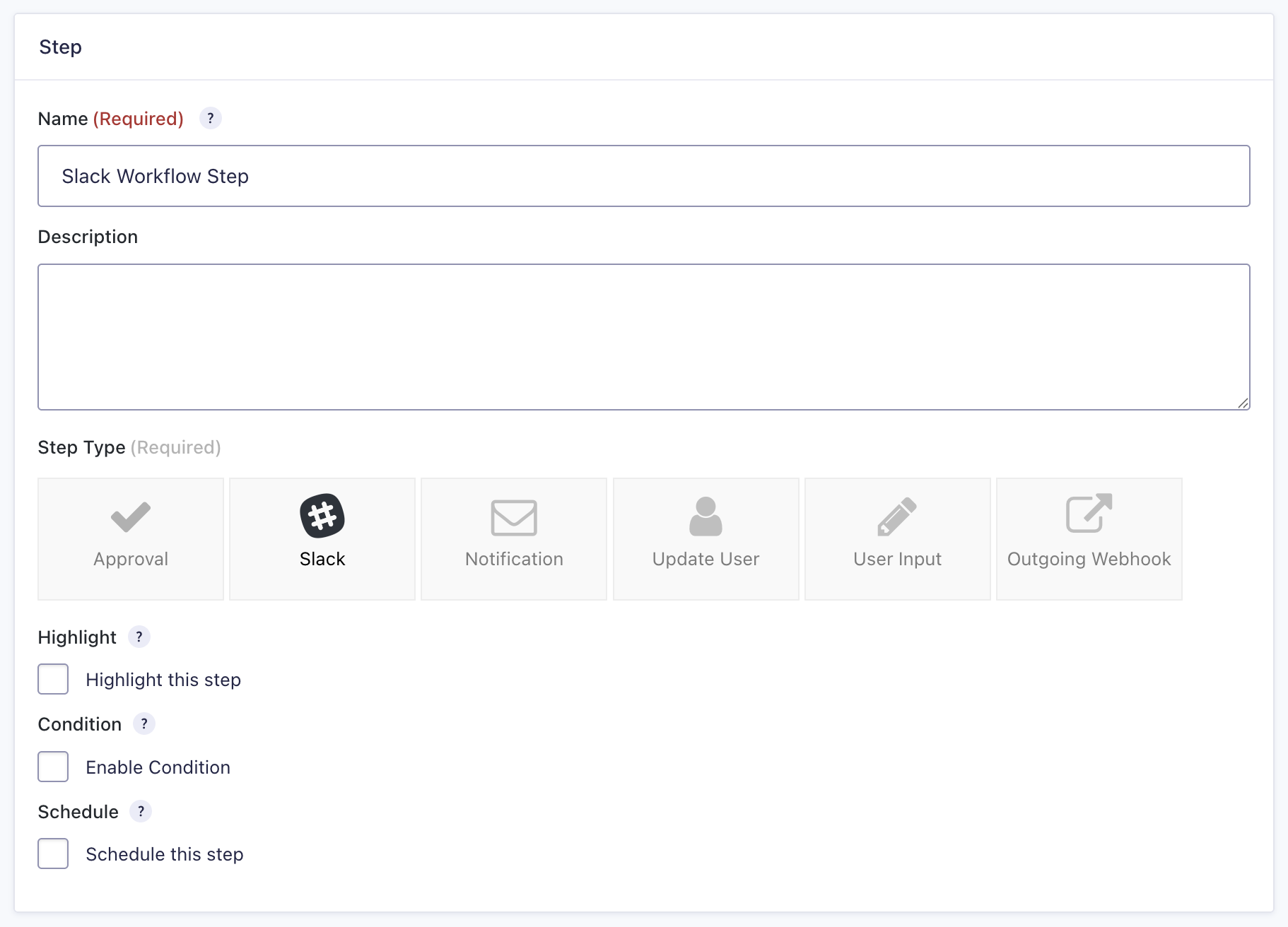
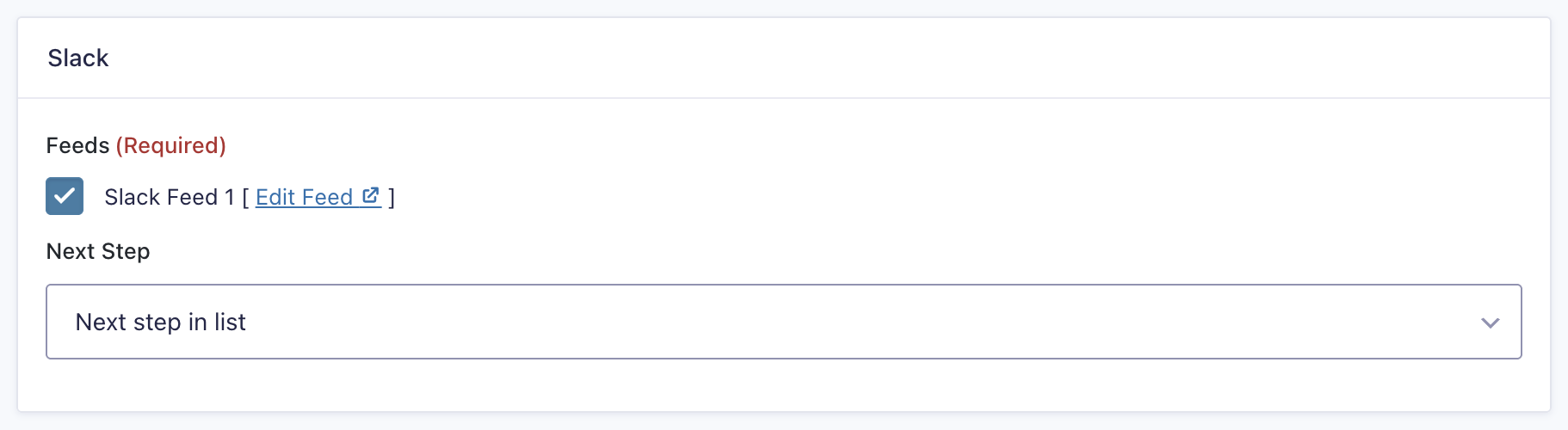
- Select a Slack Feed created using the Slack Add-On.
- Click Update Step Settings to save the step.
Slack Step Settings Reference
| Setting | Description |
|---|---|
| Name | Defines the workflow step name used to identify it within the workflow. Required |
| Description | Provides a short description of what the step does. |
| Step Type | Defines this step as a Slack step. Required |
| Highlight | Highlights this step to visually emphasize it in the workflow. |
| Condition | Enables a condition to determine whether the step will run. |
| Schedule | Delays execution of the step based on a configured schedule. |
| Slack Feeds | Selects which Slack feed to execute for this step. Required |
| Next Step | Defines the next step in the workflow sequence. |